
.png)



Description
Download Angry Birds Facebook – Free Social Gaming, Daily Rewards, and Multiplayer Fun
Overview
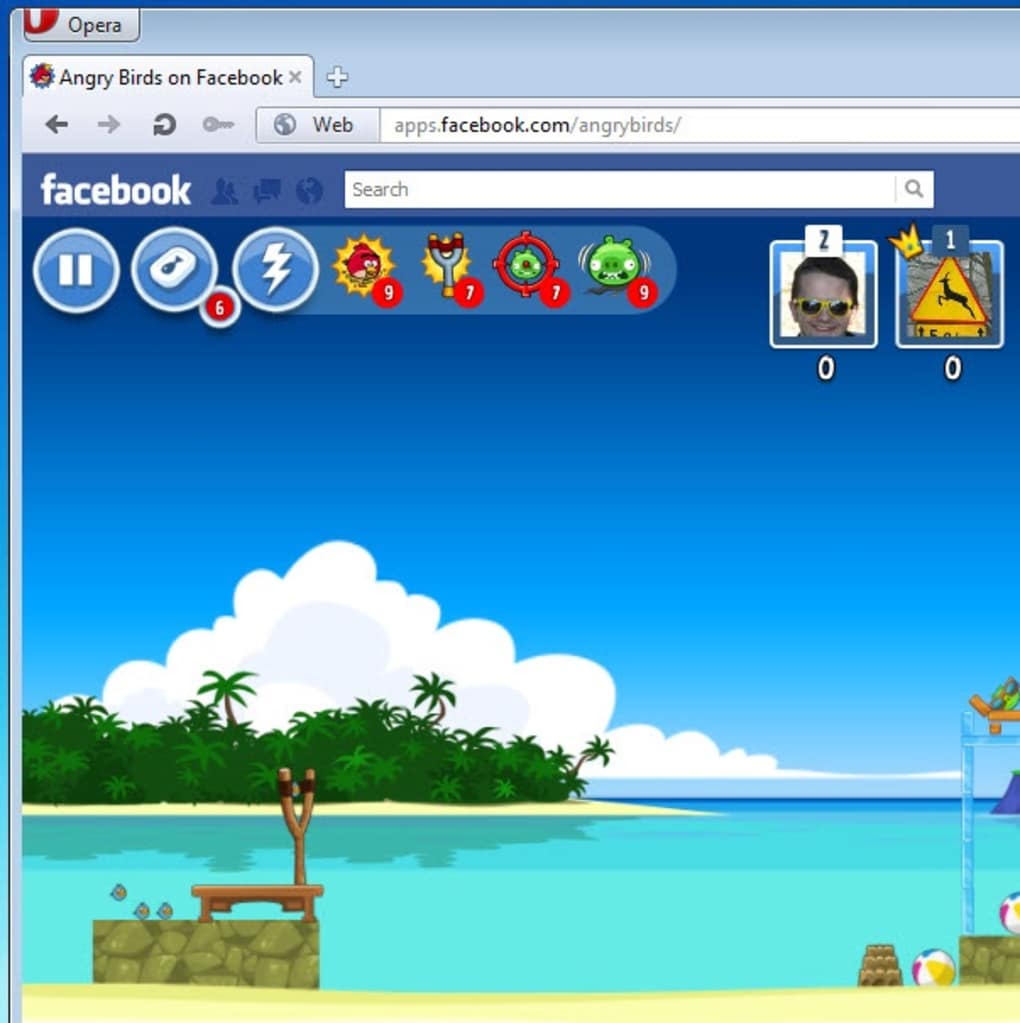
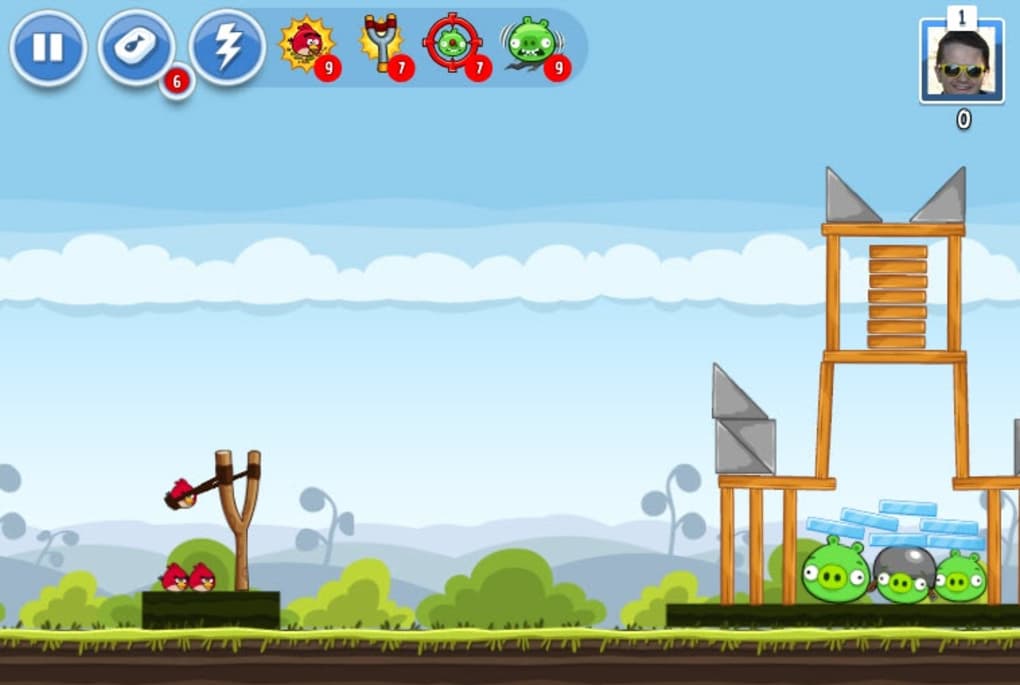
Angry Birds Facebook brings the iconic slingshot action of the beloved mobile title directly to your social feed. Developed by Rovio Entertainment, this browser‑based version keeps the classic physics‑puzzle formula while adding a competitive layer that lets you challenge friends, post high‑score updates, and earn daily bonuses. The core gameplay remains unchanged: pull back the slingshot, aim a variety of birds with unique abilities, and topple the green pigs’ fortresses to rescue stolen eggs. What sets the Facebook edition apart is its seamless integration with the platform’s social graph – you can invite friends with a single click, compare scores on the timeline, and even gift power‑ups through the in‑app store. The graphics are crisp, the sound effects familiar, and the loading times minimal, making it an ideal quick‑play experience during a coffee break or while scrolling through the news feed. Whether you’re a veteran of the iPhone version or a newcomer discovering the franchise for the first time, Angry Birds Facebook offers a low‑commitment yet addictive way to enjoy the series without downloading a separate app.
Key Features and Advantages
- Classic physics‑based puzzles with over 30 progressively harder levels.
- Multiple bird types – each with distinct abilities such as splitting, exploding, or accelerating.
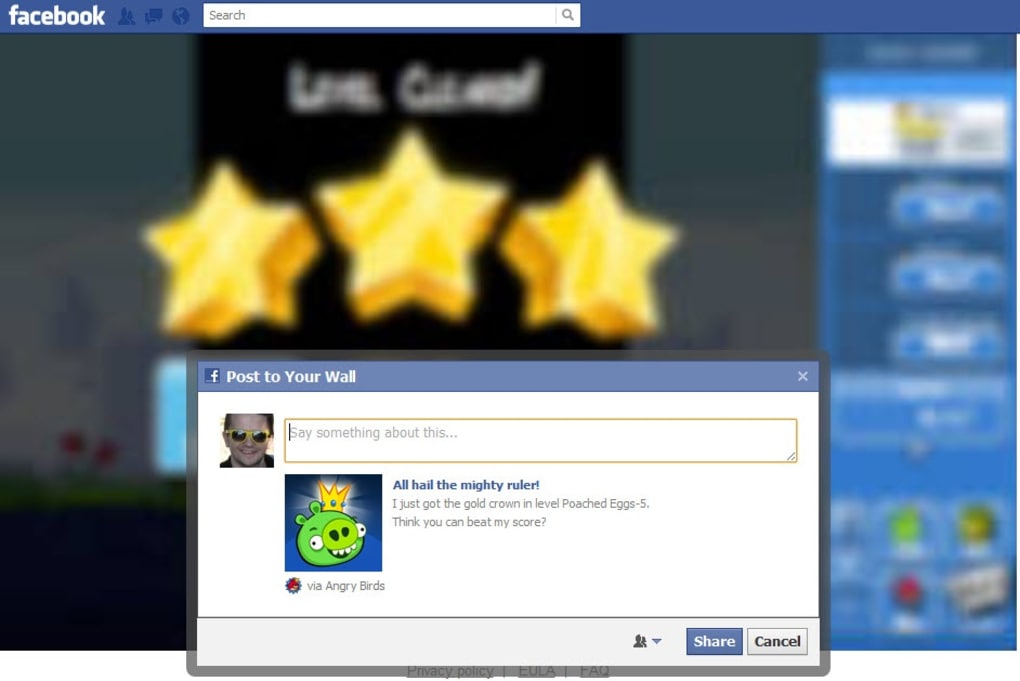
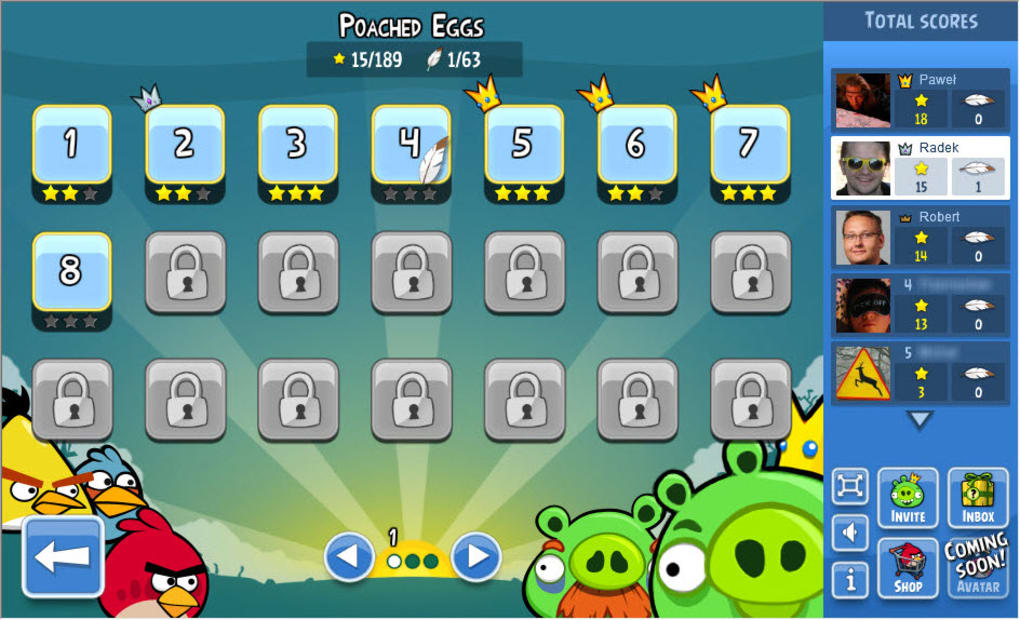
- Social leaderboard that updates automatically to your Facebook wall.
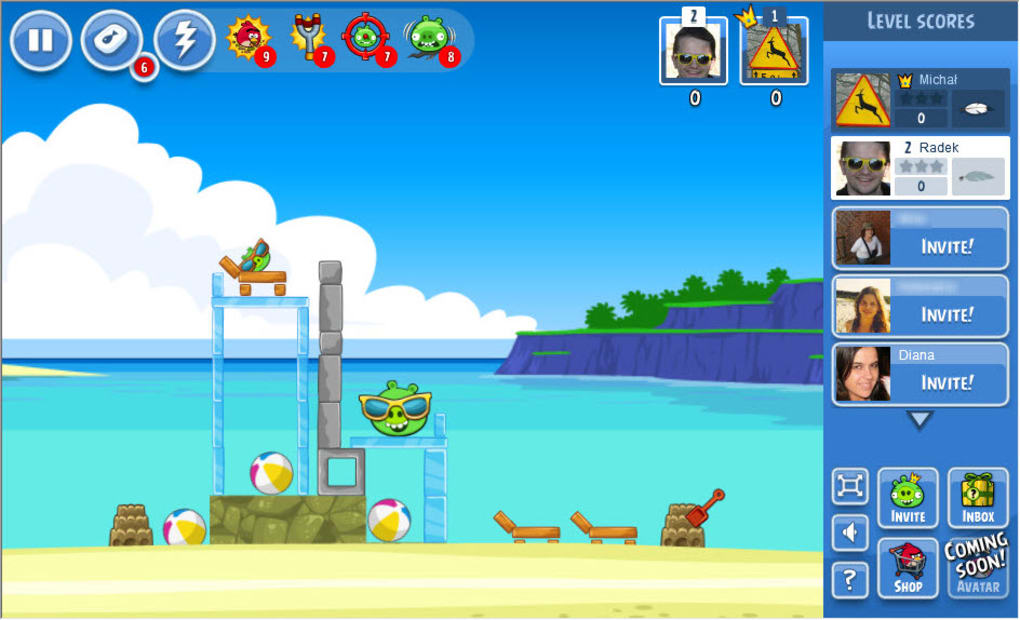
- Invite‑and‑play system: send challenges to friends directly from the game interface.
- Daily reward mechanic – log in each day to collect coins, power‑ups, or extra lives.
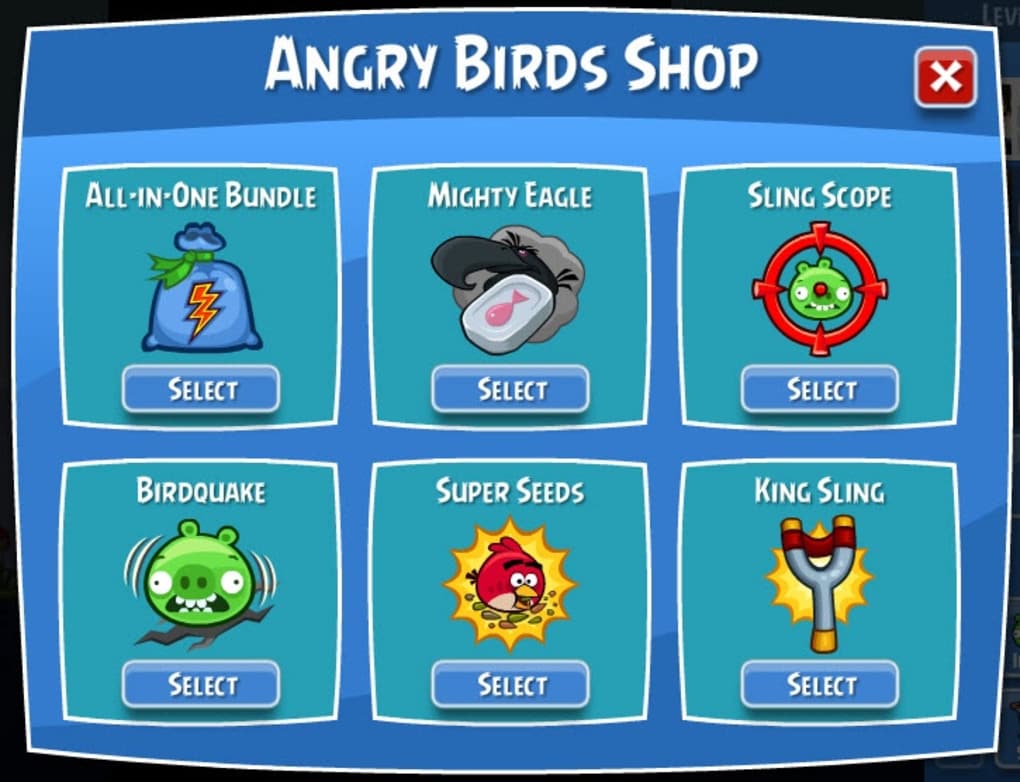
- In‑app purchases for premium items like “Super Sling” and “Precision Aim” that enhance gameplay without being mandatory.
- Optimized for desktop browsers: fast load times, responsive controls, and touch‑friendly UI for tablets.
- Regular updates from Rovio that introduce seasonal events, new bird skins, and limited‑time challenges.
Pros
- Zero installation required – play instantly in any modern browser.
- Strong social integration encourages friendly competition.
- Free to start, with optional purchases that never break core gameplay.
- Daily bonuses keep players returning without feeling pressured.
- Consistent performance across Windows, macOS, and Linux browsers.
Cons
- Levels are identical to the mobile version, which may feel repetitive for long‑time fans.
- In‑app purchases can be tempting for competitive players.
- Requires a stable internet connection; offline play is not supported.
- Ad‑supported free version may display occasional banner ads.
Installation, Usage, and Compatibility
Getting started with Angry Birds Facebook is remarkably simple. Because the game runs entirely within the browser, there is no traditional installation process. Follow these steps to begin playing:
- Log into your Facebook account on a desktop, laptop, or tablet.
- Visit the Angry Birds Facebook app page (search “Angry Birds Facebook” in the Facebook App Center).
- Click the “Play Game” button; the platform will load the game in a pop‑up window.
- Allow any permission prompts for notifications if you wish to receive daily reward alerts.
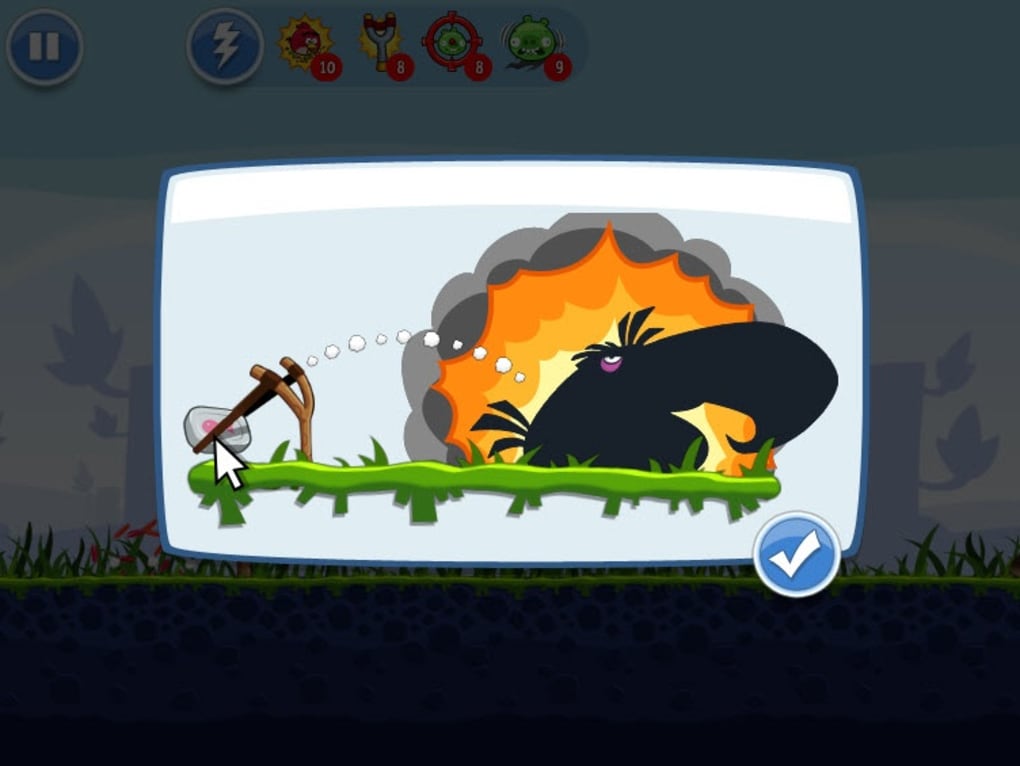
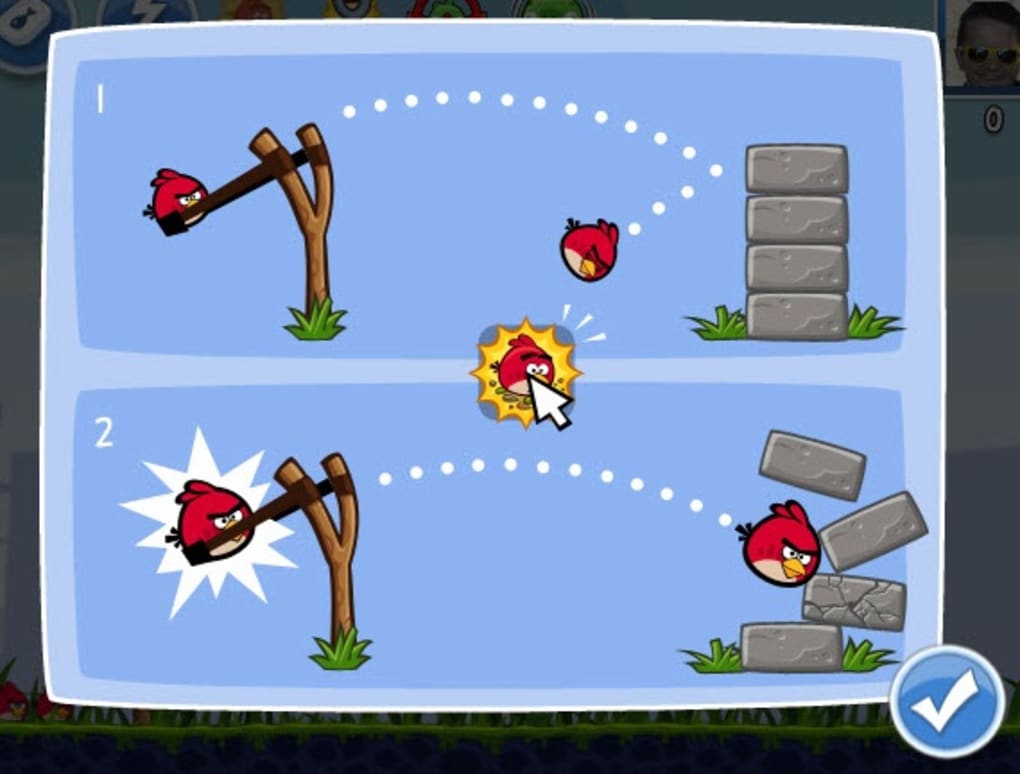
- Read the brief tutorial, then start slinging birds at the pig forts.
While the game is browser‑based, it still relies on specific technologies. The application is built with HTML5 and WebGL, meaning it performs best on up‑to‑date browsers that support these standards. Below is a quick compatibility guide:
- Windows: Chrome, Edge, Firefox, or Opera (latest versions).
- macOS: Safari, Chrome, or Firefox (latest versions).
- Linux: Chrome or Firefox (latest versions).
- iOS & Android Tablets: Mobile Safari or Chrome (HTML5 support required).
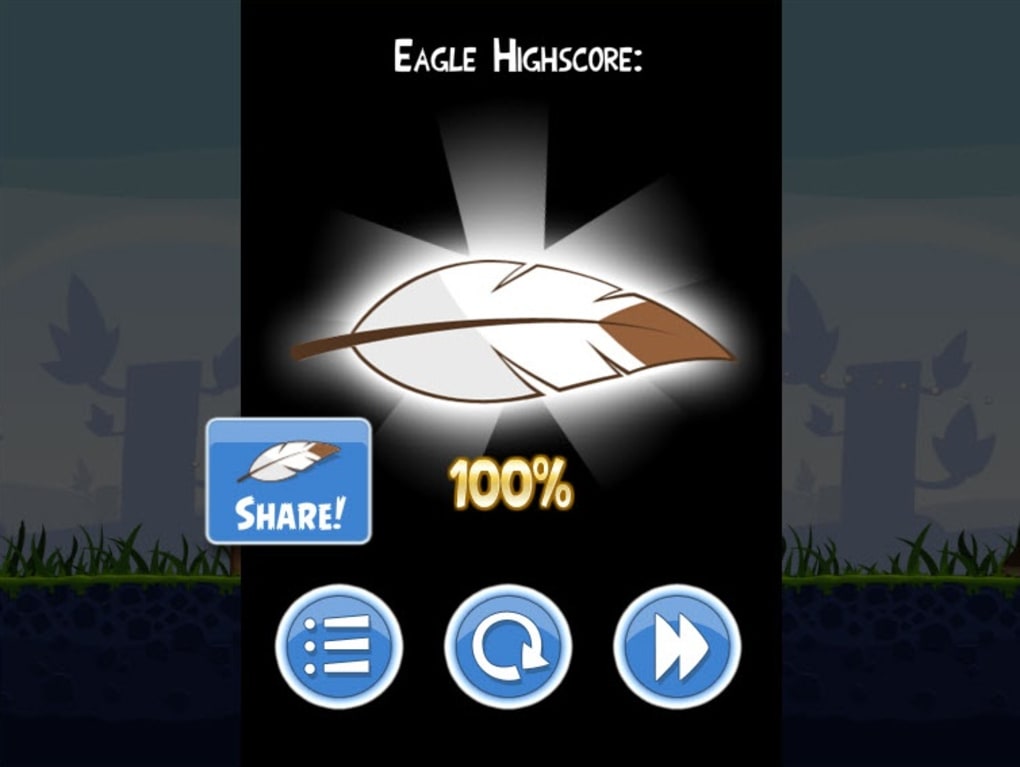
For optimal performance, ensure your browser’s hardware acceleration is enabled and clear cache regularly to avoid stale assets. The game also offers a “Full‑Screen” mode that removes distractions and maximizes the playing area. Once you’ve completed a level, the result is automatically posted to your timeline (if you’ve granted posting permission), allowing friends to see your score and send encouragement or challenges.
In terms of usage, the interface is intuitive: click and drag the bird back on the slingshot, release to fire, and use the on‑screen pause button to review the level layout. Power‑ups can be purchased with coins earned from daily logins or level completions. Remember that purchases are optional; the game remains fully playable without spending real money.
Frequently Asked Questions
Do I need a Facebook account to play Angry Birds Facebook?
Yes, the game is tied to your Facebook profile for social features such as leaderboards, friend invites, and daily reward notifications.
Is Angry Birds Facebook free to play?
The core game is completely free. In‑app purchases are optional and only affect cosmetic items or convenience power‑ups.
Can I play Angry Birds Facebook on a mobile browser?
Yes, modern mobile browsers that support HTML5 and WebGL (such as Chrome on Android or Safari on iOS) can run the game, though the experience is best on larger screens.
How do daily rewards work?
Log in each day to claim a bonus package that may include coins, extra lives, or a temporary power‑up. The reward value increases with consecutive logins up to a week, then resets.
Is my personal data safe while playing?
Rovio adheres to Facebook’s data‑privacy policies. The game only accesses the information necessary for social features (profile name, friends list, and posting permissions). No additional personal data is collected without explicit consent.
Conclusion – Should You Download Angry Birds Facebook?
Angry Birds Facebook successfully translates the addictive puzzle mechanics that made the original mobile hit a cultural phenomenon into a social, browser‑based experience. The absence of a heavyweight download makes it ideal for quick sessions, while the daily rewards and friend‑leaderboards add a fresh competitive edge that keeps players returning. Although the level design mirrors the mobile version, the convenience of playing directly from your Facebook timeline and the ability to brag about high scores on your wall create a compelling reason to give it a try. If you already enjoy the series on your phone, this version offers a low‑effort way to extend the fun onto your desktop or tablet without sacrificing quality. For newcomers, the free entry point coupled with intuitive controls makes it an excellent introduction to the franchise. In short, Angry Birds Facebook is a well‑optimized, socially engaging game that delivers both nostalgia and modern multiplayer flair. Click the “Play Game” button on the Facebook app page today and start slinging birds at those mischievous pigs—your friends are already waiting to see who can rack up the highest score!
Guides & Tutorials for Angry Birds Facebook
How to install Angry Birds Facebook
- Click the Preview / Download button above.
- Once redirected, accept the terms and click Install.
- Wait for the Angry Birds Facebook download to finish on your device.
How to use Angry Birds Facebook
This software is primarily used for its core features described above. Open the app after installation to explore its capabilities.
User Reviews for Angry Birds Facebook 0
No reviews found




